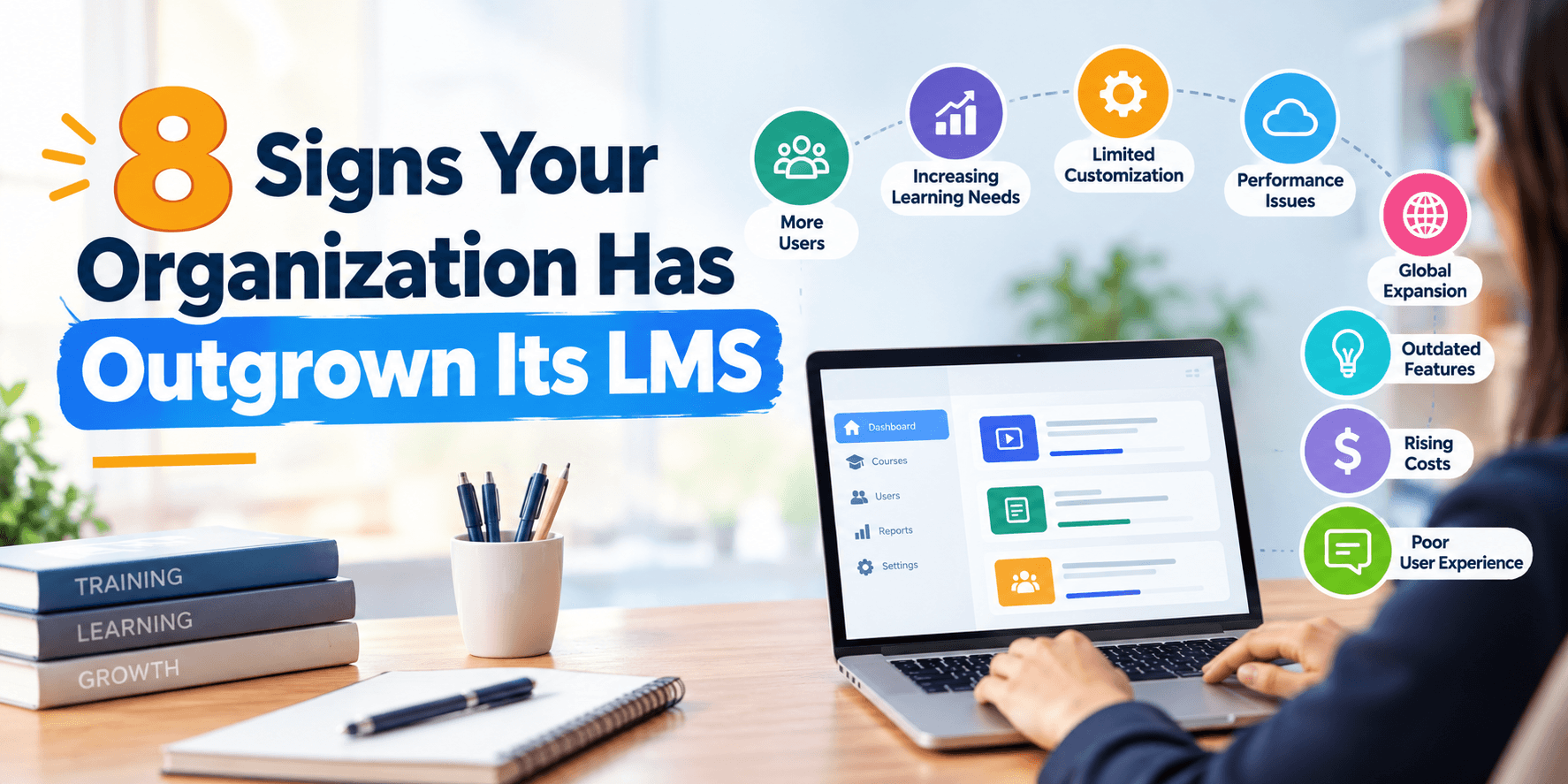
Nobody replaces a learning management system because of one dramatic failure. It usually happens after months of small workarounds finally add up to someone asking, out loud, whether there's a better way to do this. Here are the signs that question is overdue.
1. Someone Maintains a Shadow Spreadsheet
If certification expirations, training assignments, or completion tracking partly live in a spreadsheet because the LMS doesn't handle them reliably, that spreadsheet is doing the job the system should be doing. It's also the first thing that goes stale the moment the person maintaining it gets busy or leaves.
2. Compliance Reports Take Real Manual Work to Produce
If getting an audit-ready report means exporting data and rebuilding it by hand every time, the reporting layer isn't actually working, regardless of how the dashboard looks. This becomes a real risk, not just an inconvenience, when a regulator or accrediting body asks for something on short notice.
3. New Hires Get Assigned Training Manually
Automatic, role-based assignment is one of the more basic things a modern learning management system should handle. If someone is manually assigning onboarding modules to every new hire, that's staff time spent on something software should be doing without prompting.
4. Staff Have a Separate Login Just for Training
A separate login from every other system staff already use isn't a minor inconvenience. It's friction that quietly suppresses completion rates and creates account drift as HR records and LMS records fall out of sync over time.
5. Certification Expirations Get Caught Late, or Not at All
If a lapsed certification gets discovered because someone happened to notice, rather than because the system flagged it automatically in advance, the LMS isn't doing the one job that matters most in regulated environments.
6. Completion Rates Are Consistently Low, Regardless of Content Quality
When good training content still produces low completion rates, the problem usually isn't the content. It's friction somewhere in login, assignment, or interface design that makes the system something staff avoid rather than use.
7. Multi-Location Operations Can't See Training Status Across Sites
If leadership can't get a single view of training completion and certification status across all locations without contacting each site individually, the system isn't scaling with the organization, it's becoming a coordination burden.
8. IT Considers the LMS a Recurring Support Headache
If IT regularly fields tickets related to login issues, sync failures between the LMS and HR systems, or manual workarounds for things that should be automatic, that maintenance burden is a cost, even if it's never been tallied as one.
What These Signs Have in Common
Individually, none of these feel urgent. A shadow spreadsheet here, a manually assigned onboarding module there. Together, they represent a system that's fallen behind what the organization actually needs, and the fix usually isn't more training on how to use the current system. It's rebuilding around the workflow the organization actually has.
Fix, Integrate, or Replace: How to Decide
Not every organization showing one or two of these signs needs a full custom LMS development project. A useful way to triage:
Fix directly if only one sign applies and the rest of the system genuinely works well. A single weak area, like reporting, is often addressable without touching everything else.
Add a targeted integration if the core system is fine but doesn't connect well to a specific tool, most often HR or an identity provider.
Replace it if three or more of these signs are consistently true, or if the organization runs multiple locations on inconsistent training systems.
What Replacing It Actually Involves
A well-run custom LMS development project starts with discovery, mapping the actual training workflow and every workaround currently in place, followed by architecture planning around HR and identity integration and compliance reporting needs. Design comes next, informed by both administrators and the staff actually completing training, using UI/UX design practices built around reducing the friction identified in discovery. Development and testing follow, and launch typically starts with a pilot in one department before a full rollout.
Organizations unsure whether a full replacement is warranted often start with MVP development, testing a single high-friction workflow, like certification tracking or onboarding assignment, before committing further.
Where Automation Fits Once the Core Is Fixed
Once identity, data, and workflow layers are solid, automation adds meaningful additional value: certification expiration reminders sent automatically well ahead of a deadline, escalation to a manager when training goes overdue, and automatic reassignment when course content changes. Woltrio's AI and automation work typically layers onto a solid foundation rather than trying to compensate for one that's still broken underneath.
The Cost of Waiting
Every sign on this list has a quiet cost attached, staff hours spent on manual workarounds, compliance risk sitting in an unreliable report, IT time spent on recurring support issues. None of these show up as a single alarming number. They accumulate, month over month, until the cost of the current system quietly exceeds what a better one would have cost to build.
Quick Answers
A shadow spreadsheet tracking certifications or assignments outside the LMS is one of the clearest signs the system isn't doing its job.
Manual compliance reporting is both a time cost and a real risk if a report is needed on short notice and isn't reliably available.
Low completion rates despite good content usually point to friction in login or assignment, not the training material itself.
Three or more warning signs consistently present is a reasonable threshold for considering a full custom LMS development project.
A pilot on one workflow is a lower-risk way to test whether a full replacement is worth the investment.
Common Questions
How many of these signs need to apply before we should consider replacing our LMS?
Three or more consistently present signs is a reasonable threshold; one or two isolated issues are often fixable without a full replacement.
Can we fix specific problems without replacing the whole system?
Yes, targeted fixes or integrations often address one or two weak areas without requiring a full custom rebuild.
Is a pilot phase necessary before a full LMS replacement?
It's strongly recommended. Piloting with one department surfaces integration and design issues at a manageable scale before a full rollout.
Next Step
A discovery conversation through the Woltrio homepage is a practical way to figure out which of these signs point to a fixable problem versus a case for a full rebuild.