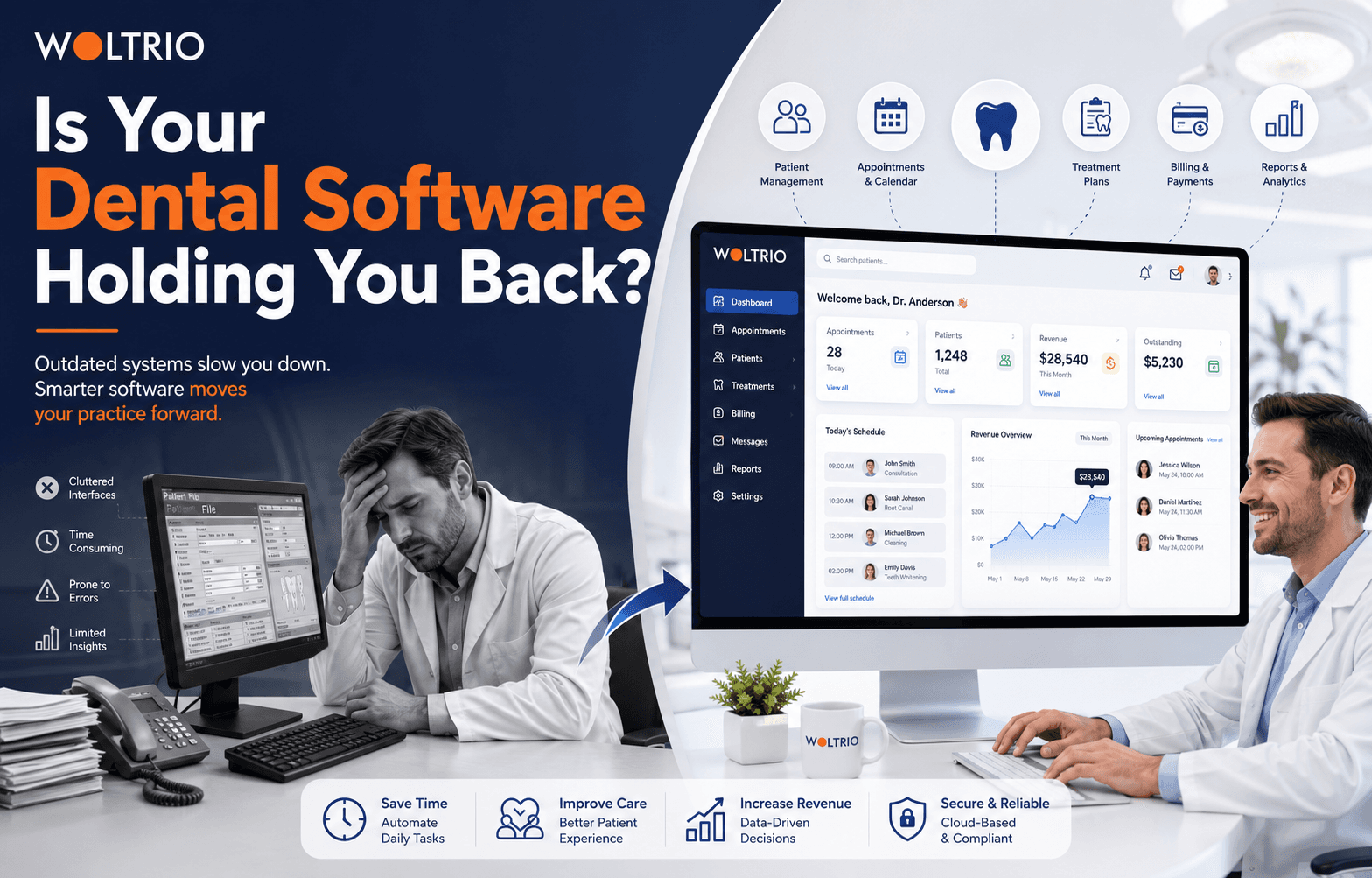
A hygienist mentions a patient hasn't been in for a cleaning in fourteen months. The front desk didn't catch it because recall tracking lives in a spreadsheet, not the dental software. That's not a training problem. That's a system problem, and it's the kind that quietly costs a practice thousands of dollars a year without anyone flagging it as urgent.
Seven Signs Your Dental Software Has Fallen Behind
1. Staff keep a "workaround" spreadsheet. If scheduling, recall, or billing lives partly in Excel because the system doesn't handle it, the system is the problem, not the staff.
2. Insurance verification happens by phone. Modern dental practice management software checks eligibility automatically before the patient sits down. Manual calls mean the software isn't doing its job.
3. Charting and scheduling don't talk to each other. If a hygienist finishes early and the front desk doesn't know in real time, that's lost chair time every single day.
4. Patients call to book instead of booking online. In 2026, that's not a minor inconvenience, it's a signal the practice looks behind the times before a patient even walks in.
5. Reports take someone half a day to pull together. Production by provider, case acceptance rate, recall compliance, none of that should require manually exporting and combining spreadsheets.
6. Multi-location practices run different systems at each site. If location A and location B can't see each other's schedules or patient history, growth just multiplied the same problems.
7. Nobody's sure the system is actually HIPAA compliant. If that answer is a shrug rather than a confident yes, that's a liability sitting quietly in the background.
If two or more of these sound familiar, the software is likely costing more in lost time and lost patients than a better system would cost to build or switch to.
What "Better" Actually Looks Like
A modern dental clinic management system should do three things at once: reduce manual work for staff, give patients a digital-first experience, and give the owner visibility without extra effort. In practice, that means:
What Staff NeedWhat Patients NeedWhat Owners NeedReal-time chair and schedule syncOnline booking and remindersProduction and recall reports on demandAutomated insurance eligibility checksSecure messaging and portal accessMulti-location visibility in one viewCharting tied directly to the scheduleDigital intake, no paper clipboardConfidence the system is compliant
Woltrio builds dental software around this exact list, using AI and automation to handle the recall reminders, eligibility checks, and reporting that otherwise eat staff time.
Replace It, or Fix What's Broken?
Not every practice needs a full system replacement. A useful way to decide:
Fix the current system if only one or two things are broken and the rest genuinely works well.
Add a targeted integration if the core system is fine but it doesn't talk to a specific tool, like imaging or a specific insurance clearinghouse.
Replace it entirely if three or more of the seven warning signs above are true, or if the practice runs multiple locations on disconnected tools.
Woltrio's MVP development track is built for the middle option and the early stage of a full replacement alike, testing a single fixed workflow, like scheduling or recall, before committing to touching everything at once.
The Compliance Layer Nobody Sees Until It's a Problem
Dental records count as protected health information, so any dental practice management software, custom or off the shelf, has to handle encryption at rest and in transit, role-based access, audit trails, and signed vendor agreements. This isn't a feature to add after launch. Woltrio builds HIPAA, SOC 2, and GDPR requirements, where relevant, into the system from the first architecture decision rather than retrofitting them once something goes wrong.
What Switching Actually Involves
Practices tend to overestimate how disruptive a switch is. A typical project runs through discovery of current workflows, architecture planning around what needs to integrate, design and staff walkthroughs before anything is built, development and testing against real scenarios, and a launch phase with hands-on training. Single-location switches often run three to six months; multi-location systems take longer because of the added integration work.
Quick Answers
Dental practice management software should reduce manual work, not create workarounds staff have to build themselves.
A dental clinic management system that doesn't sync charting, scheduling, and billing in real time is behind current standards.
Switching systems doesn't have to mean an all-at-once replacement; targeted fixes or a phased MVP often make more sense first.
HIPAA compliance is non-negotiable for any dental software, and should be built in from day one, not patched in later.
Common Questions
How do I know if my dental software problem is fixable or if I need to replace it?
If two or more of the seven warning signs apply, a full evaluation is worth it. One isolated issue is usually fixable without a full switch.
Will switching dental software disrupt the practice during the transition?
Some disruption is normal, but a phased rollout with staff training minimizes it. Most practices are fully comfortable within one to two weeks post-launch.
Can a new system pull data from our old one?
In most cases, yes. Data migration from an existing dental clinic management system is a standard part of a replacement project.
Next Step
A short discovery conversation through the Woltrio homepage usually clarifies within an hour whether a practice needs a fix, an integration, or a full replacement.