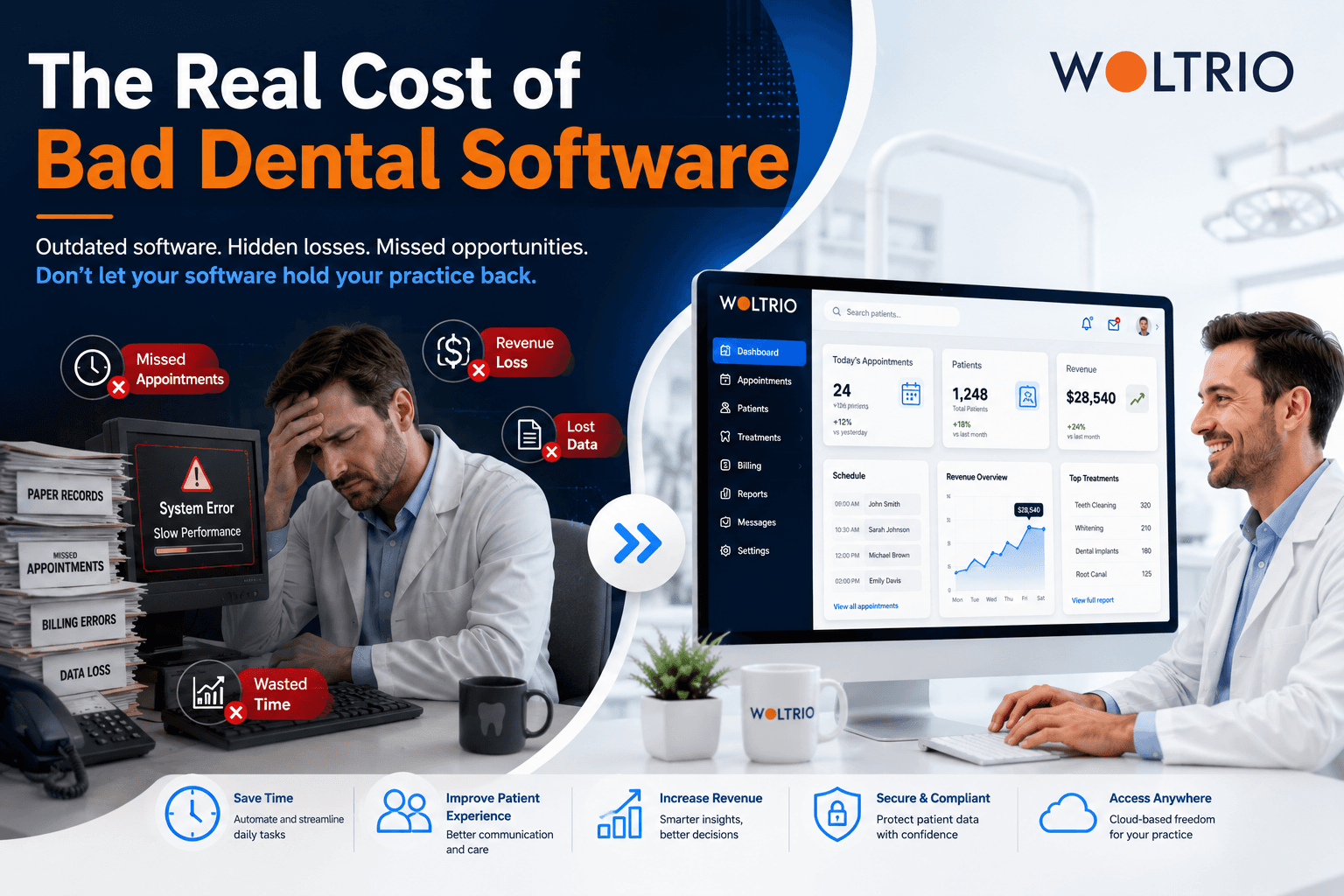
A practice with four chairs loses one no-show a day to a scheduling system that doesn't send reminders properly. That's roughly 20 lost appointments a month. Multiply that by an average visit value, and the "free" old system is quietly the most expensive piece of software in the building.
Nobody Budgets for the Cost of Doing Nothing
Practices evaluate new dental practice management software against a price tag, but rarely against what the current system is already costing them. The real comparison isn't "what does new software cost" versus "what does the old one cost." It's "what does new software cost" versus "what is the old one already costing us, just spread out so nobody notices."
Three costs show up in almost every practice running an outdated dental clinic management system:
Lost chair time. Gaps between patients that a smarter scheduling system would have filled automatically.
No-shows and late cancellations. Recall and reminder systems that either don't exist or don't actually get used consistently.
Staff hours spent on manual work. Insurance verification calls, re-keying data between disconnected tools, and pulling reports by hand instead of on demand.
None of these show up as a line item. They show up as a slightly lower production number every month, forever.
Running the Numbers on a Typical Practice
Here's a simplified way to estimate what disconnected dental software is actually costing, using rough, adjustable figures a practice can plug its own numbers into:
Cost SourceRough Monthly ImpactNo-shows from weak reminder systemsSeveral missed appointments per chair, per monthChair gaps from scheduling inefficiencyMeaningful unbooked time across a full weekStaff hours on manual insurance checksMultiple hours per week, per front desk stafferManual reporting for the ownerHours per month that produce no new patients
None of these are dramatic on their own. Added together over a year, they're usually enough to fund a real software upgrade several times over.
Where Better Dental Software Actually Pays Back
The return on switching dental practice management software rarely comes from one big feature. It comes from several smaller ones compounding:
Automated recall and reminders reduce no-shows without adding staff work. Woltrio builds this using AI and automation, so reminders adjust based on a patient's own no-show history instead of sending the same message to everyone.
Real-time scheduling and charting sync closes chair gaps as soon as they open, instead of staff noticing an hour later.
Automated insurance eligibility checks cut the phone-call verification work that eats front desk hours every single day.
On-demand reporting means an owner sees production and recall numbers without asking someone to build a spreadsheet.
Is a Custom Build Worth It, or Is an Upgrade Enough?
Not every practice needs to replace its entire dental clinic management system to capture this value. A useful gut check:
If the core system works but one piece (recall, reporting, insurance checks) is weak, a targeted fix or integration is usually the faster payback.
If several pieces are weak and the practice runs one location, a phased upgrade often makes sense.
If the practice runs multiple locations on inconsistent systems, the inefficiency multiplies per site, and a custom rebuild tends to pay back faster than people expect.
Woltrio's MVP development approach lets a practice test one high-impact piece, like automated recall, before committing to a full system change.
Compliance Is Part of the Cost Equation Too
An outdated system that hasn't kept pace with HIPAA, SOC 2, or general security expectations carries a hidden risk cost alongside the efficiency cost. Encryption, role-based access, and audit trails aren't optional extras, and Woltrio builds them into every dental software project from the first architecture decision rather than treating them as an afterthought.
What a Switch Actually Looks Like
A typical project moves through discovery of current workflows and where the money is actually leaking, architecture planning for what needs to integrate, design walkthroughs with staff, development and testing, and a launch phase with training built in. Single-location projects often run three to six months; multi-location systems take longer given the added integration work, but the payback period is usually shorter than the build time itself once no-shows and chair gaps start closing.
Quick Answers
The real cost of outdated dental practice management software shows up as lost chair time, no-shows, and manual staff hours, not as a visible expense.
A dental clinic management system with weak recall and reminders is one of the most common sources of quietly lost revenue.
Automated insurance eligibility checks are one of the fastest ways new dental software pays for itself in staff time alone.
A targeted upgrade often makes more financial sense than a full replacement, unless multiple systemic issues or multiple locations are involved.
Common Questions
How do I know if my current dental software is actually costing me money?
Track no-shows, unbooked chair gaps, and hours staff spend on manual insurance checks for a month. Most practices are surprised by the total.
Does better dental software really reduce no-shows?
Automated, behavior-based reminders consistently outperform generic reminders, since they adjust timing and frequency to each patient's history.
Is it cheaper to fix parts of an existing system or replace it entirely?
It depends on how many pieces are broken. One weak area is usually cheaper to fix directly; several weak areas often make a full replacement the better long-term value.
Next Step
A short discovery conversation through the Woltrio homepage usually clarifies where the biggest cost leak actually is before any commitment to a full rebuild.