Most practices pick dental software the same way: a demo, a features list, a price, a decision made in a single meeting. Then six months in, someone discovers the system can't do something the practice actually needed on day one. The problem usually isn't the software. It's that the evaluation never asked the right questions.
Start With Workflow, Not Features
Feature lists make every dental practice management software look roughly the same on paper. What actually differs is how those features work together in a real day. Before comparing vendors, a practice should be able to answer:
How does a patient move from booking to checkout, step by step, in the current process?
Where does that process break down today, scheduling, charting, billing, or communication?
Which of those breakdowns actually costs time or money, versus just being mildly annoying?
A vendor conversation that starts with this workflow, instead of a features checklist, surfaces mismatches early instead of after the contract is signed.
Questions to Ask Every Vendor
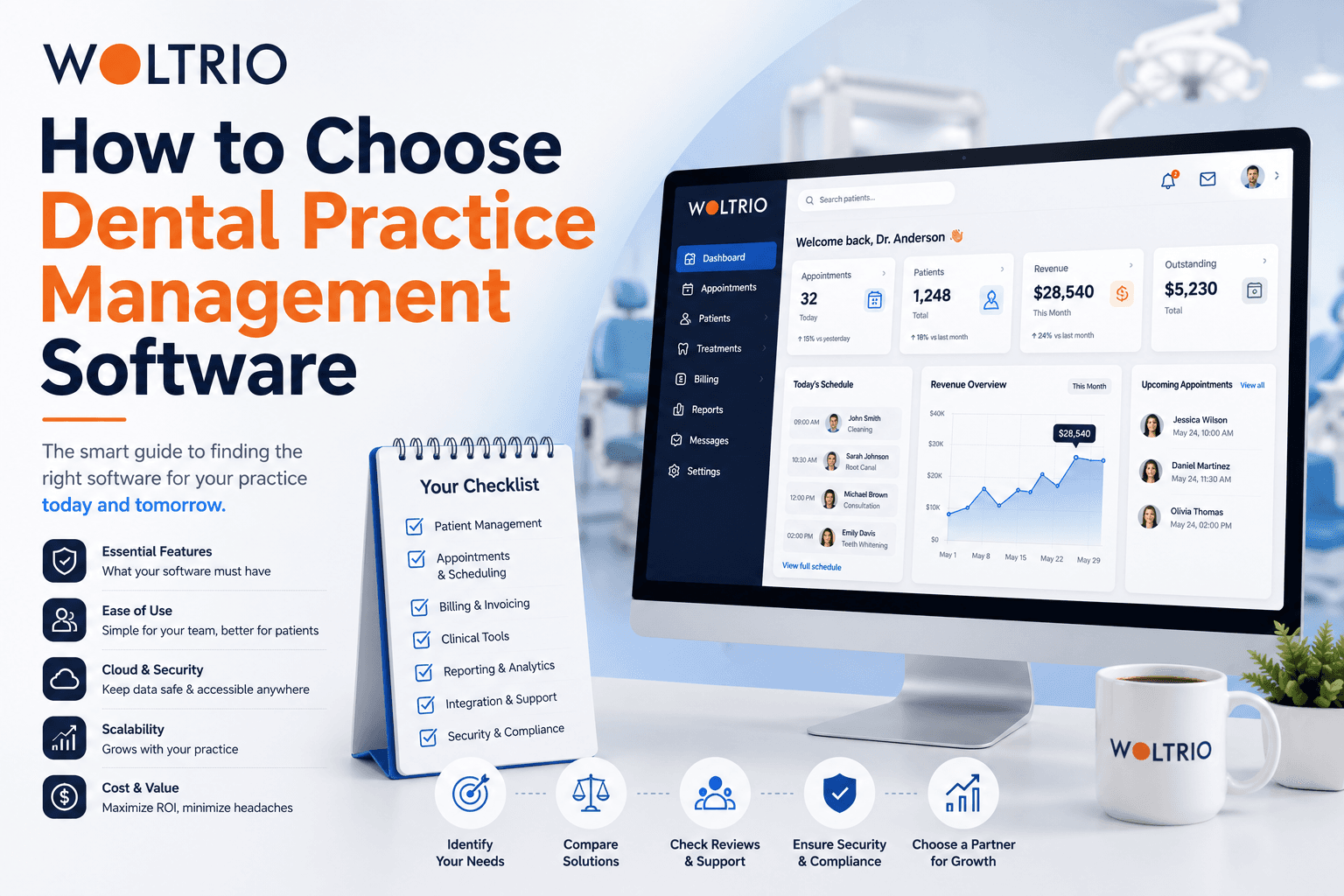
Does the system connect to what we already use? A dental clinic management system that can't integrate with existing imaging, labs, or a clearinghouse creates a second system to manage, not a replacement for the first.
How is patient data secured? Encryption at rest and in transit, role-based access, and audit trails should be a confident yes, not a vague reassurance. Ask specifically about HIPAA, and SOC 2 if the practice handles any third-party data sharing.
What does onboarding actually involve? Data migration from an old system, staff training, and a realistic timeline, not just "it's easy to use."
Can the system grow with the practice? A single-location tool that can't scale to a second location means another switch later, with all the disruption that involves.
What happens after launch? Ongoing support, updates, and whether the vendor treats the relationship as done at go-live or continues past it.
Comparing Off the Shelf vs Custom Dental Software
Off the ShelfCustom BuildBest forSingle-location general practicesMulti-location, high-volume, or specialty practicesSetup speedFastSlower, but matched to actual workflowFlexibilityLimited to what's built inBuilt around specific needsCost patternLower upfront, ongoing subscriptionHigher upfront, less workaround cost laterIntegrationDepends on vendor's existing connectorsBuilt to connect to whatever the practice runs
Neither option is universally right. The workflow audit from the first section usually makes the answer obvious once it's done honestly.
Red Flags During a Vendor Evaluation
A few signs worth taking seriously during the sales process itself:
Vague or evasive answers about HIPAA and data security specifics
No clear answer on what data migration from the current system actually involves
Support that's described as "available" without specifics on response time
A demo that only shows the easy path, never a messy real-world scenario like a same-day cancellation and rebook
Woltrio approaches evaluations differently, starting with a discovery process that maps the actual workflow before proposing anything, using AI and automation where it genuinely reduces staff work rather than as a checkbox feature.
Testing Before Committing
For practices unsure whether a full system change is worth it, testing a single high-impact piece first, like automated recall or online scheduling, is often more useful than a full-system pilot. Woltrio's MVP development track is built for exactly this: proving out one workflow with real staff and real patients before a bigger commitment.
What a Well-Run Evaluation Looks Like
Map the current workflow, including where it breaks down and what that costs
Shortlist vendors against that workflow, not a generic feature list
Ask the hard questions on security, migration, and support directly
Test one piece, if possible, before a full commitment
Confirm the compliance answer in writing, not just verbally
Practices that skip step one tend to end up re-doing this whole process again in two years.
Quick Answers
Choosing dental practice management software should start with mapping the actual daily workflow, not comparing feature lists.
Off the shelf dental software works well for straightforward, single-location practices; custom builds pay off for multi-location or higher-complexity needs.
Data security and HIPAA compliance should get specific, confident answers from any vendor, not vague reassurance.
Testing one workflow first, like recall or scheduling, is often a smarter first step than a full system switch.
Common Questions
How long should a dental software evaluation take?
A thorough evaluation, including a workflow audit and a few vendor conversations, usually takes two to four weeks for a single-location practice.
Should price be the deciding factor between dental clinic management systems?
Price matters, but the cost of a system that doesn't fit the workflow, in lost time and workarounds, usually exceeds the price difference between options.
Is it normal to test a system before fully committing?
Yes. A focused pilot on one workflow, like scheduling or recall, is a reasonable ask of any vendor before a full rollout.
Next Step
A discovery conversation through the Woltrio homepage is a practical way to map the current workflow before comparing vendors at all.