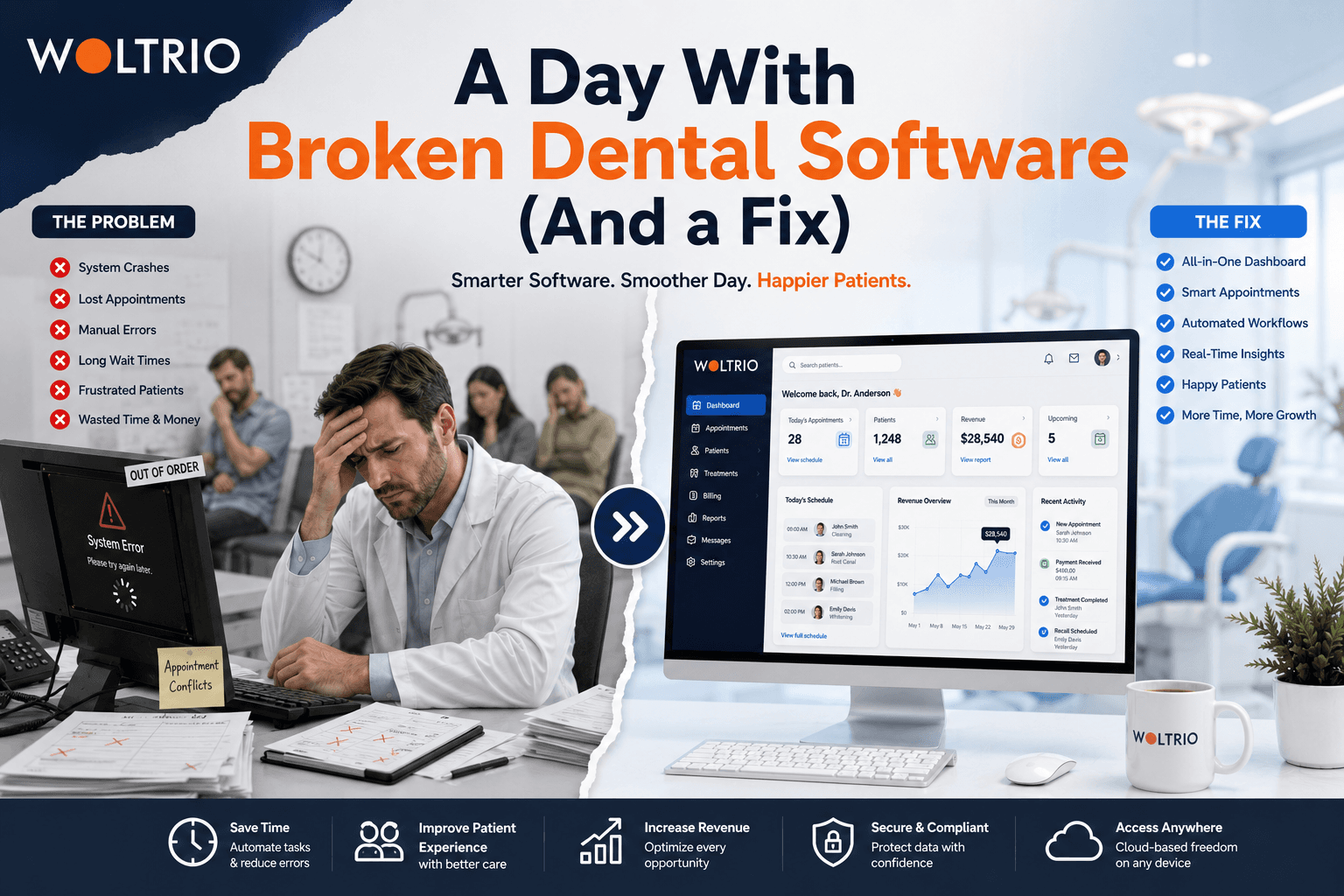
8:12 AM: The First Domino
The front desk opens the schedule and sees three overlapping bookings for the same chair. Nobody double-booked on purpose. The online booking widget doesn't sync with the in-office calendar in real time, so a Tuesday slot got filled twice by two different patients using two different tools. Someone has to call one of them and apologize.
This is the quiet failure mode of most dental clinic management systems: not a crash, not an outage, just small disconnects that turn into someone's Tuesday morning problem.
9:40 AM: The Insurance Call
A patient checks in for a crown. The front desk pulls up their insurance, but the system's eligibility data is three weeks old, from the last time someone manually checked. Coverage changed. Now there's a phone call to the insurer, a hold patient in the waiting room, and a hygienist with an open chair and no one in it.
Dental practice management software that includes automated, real-time eligibility checks would have caught this before the patient even arrived. Instead, it became a live problem during business hours.
11:15 AM: The Chart That Doesn't Match the Schedule
A hygienist finishes early. The system doesn't know that, because charting and scheduling live in loosely connected modules that update on a delay. The next patient is still five minutes out based on what the schedule shows, so the chair sits empty. Multiply this across a full day, a full week, a full year, and it's a meaningful chunk of unbilled chair time that never shows up as a single obvious loss.
1:30 PM: The Spreadsheet Nobody Admits To
The office manager pulls up a spreadsheet to track recall patients who are overdue for cleanings, because the practice management software's built-in recall feature has never worked reliably enough to trust. This spreadsheet is manually updated, which means it's already out of date, which means some patients who should be called this week won't be.
Almost every practice running an outdated dental clinic management system has one of these spreadsheets somewhere. It's rarely mentioned in a demo. It's the tell that the system isn't actually doing its job.
3:45 PM: The Report the Owner Actually Wants
The practice owner asks for last month's production numbers by provider. Getting an answer means exporting data from the scheduling system, cross-referencing it with billing, and building a spreadsheet by hand. It takes the better part of an hour. This happens every month, and every month it's treated as normal because nobody's stopped to ask why dental software from 2026 still can't answer a basic question on its own.
What the Same Day Looks Like With Software Built Around the Workflow
None of these moments are dramatic individually. Together, they're the difference between a practice that runs itself and one that runs on staff constantly patching gaps the software should have closed.
With AI and automation built into scheduling, eligibility checks, and recall, that same day looks different: the booking widget and in-office calendar share one real-time source, eligibility is verified automatically before check-in, charting updates the schedule the moment a hygienist finishes, recall reminders go out on their own instead of living in a spreadsheet, and production reports are available on demand instead of built by hand once a month.
None of this requires a practice to change how it works. It requires dental practice management software that was actually built around how the practice already works, instead of a generic tool the practice has been quietly working around for years.
Where to Start
Not every practice needs to rebuild everything at once. Woltrio's MVP development approach usually starts with the single piece causing the most daily friction, often scheduling sync or automated recall, and proves it out before touching anything else.
Quick Answers
The most common failures in dental clinic management systems aren't crashes, they're small sync gaps between scheduling, charting, and billing that compound over a day.
Real-time insurance eligibility checks prevent the mid-morning scramble that happens when coverage data is outdated.
A manual recall spreadsheet is usually a sign the built-in recall feature in the current dental software isn't trusted or working.
On-demand reporting should be standard in modern dental practice management software, not a monthly manual export.
Common Questions
Is it normal for dental software to have these small daily failures?
It's common, but not normal in the sense of being acceptable. Most of these gaps are fixable with better real-time integration, not a full system overhaul.
How do I know which workflow issue to fix first?
Whichever one costs the most staff time or lost chair time weekly, usually scheduling sync, insurance verification, or recall, is the right place to start.
Does fixing one workflow require replacing the whole system?
No. A targeted fix or a phased MVP can address the biggest pain point without a full system replacement.
Next Step
A short discovery conversation through the Woltrio homepage is a practical way to identify which part of the day is costing the practice the most.