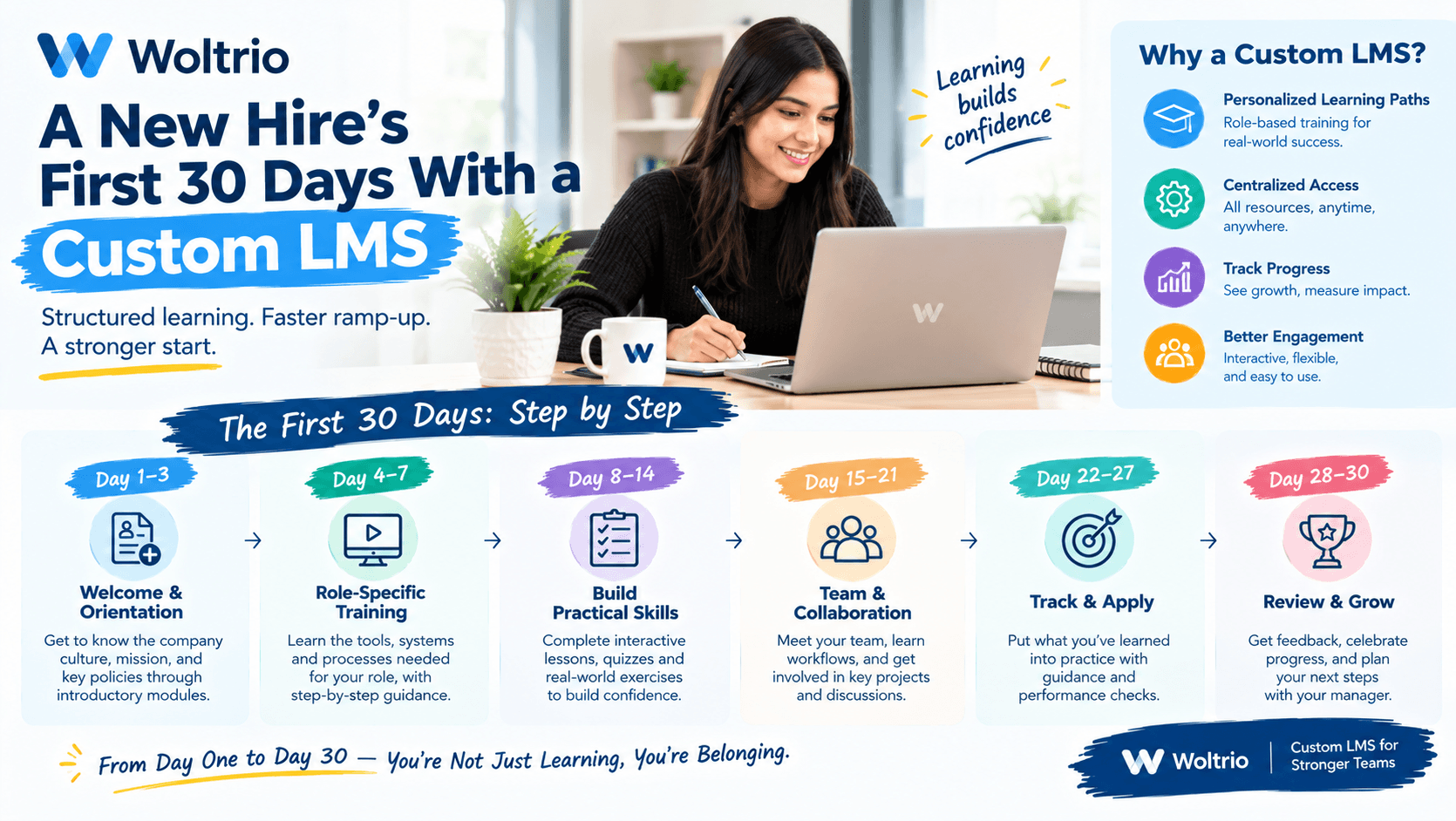
Picture a new nurse starting at a multi-location clinic group on a Monday. Her first month will look very different depending on the learning management system behind her onboarding. Here are the same 30 days, told two ways.
Day 1: Login and Assignment
Without a custom system: She gets an email with a separate username for the training portal. Her manager manually assigns her onboarding modules, but forgets two of them. Nobody notices yet.
With custom LMS development done right: She signs in with the same credentials she uses everywhere else. Her role and location came from the HR system overnight, so her full onboarding path is already waiting. No one assigned anything by hand.
This is the identity and HR integration work that Woltrio treats as a foundation of every custom LMS solutions project, not a later add-on.
Day 3: The First Required Module
Without: She finishes a safety module, but completion only shows up in the system after her manager exports a spreadsheet. Her records and the HR file already disagree.
With: Completion is recorded instantly and feeds the compliance report automatically. Her manager sees progress without asking for it.
Day 8: Something Changes
Without: Her role shifts from general floor nurse to a specialty unit. Nobody updates her training assignments, so she never receives the specialty certification path.
With: The role change in HR triggers a new learning path on its own. Assignment logic tied to real roles is where learning management system development earns the word custom, since generic rules rarely match how an organization actually staffs its units.
Day 15: The Course Update
Without: The organization updates an infection control module. Staff who already completed the old version are never told, and the records still show them as current.
With: The update automatically reassigns the new version to everyone who needs it. Reminders go out without anyone chasing people by hand, which is the kind of scoped automation Woltrio builds through its AI and automation services.
Day 22: The Interface Test
Without: She opens the portal on her phone between patients. It takes five taps to find her assigned course, so she postpones it. Completion rates quietly drop across the whole team.
With: Her assigned training is the first thing she sees, and a module fits into a ten minute gap. Interface decisions like this come out of design work that involves the learners themselves, which is why Woltrio’s UI/UX design process includes frontline staff and not only administrators.
Day 30: The Audit Question
Without: A compliance officer needs proof of her completed trainings for an accreditation review. Someone spends an afternoon reconciling the LMS export against HR records and a tracking spreadsheet.
With: The report is generated on demand, in the format the auditor expects. Her certification renewal dates are already scheduled, with reminders set well before they lapse.
What the Difference Actually Came From
None of the improvements above came from flashy features. They came from four decisions made early in the project:
Single sign-on and HR sync were designed before the interface was.
Assignment logic was built around real roles and locations.
Compliance report formats were defined during discovery.
Frontline staff reviewed the design before development was far along.
Starting Small
An organization does not need to build all of this at once. Many teams begin with MVP development on a single workflow, such as nurse onboarding at one location. That pilot surfaces integration problems early, while they are still cheap to fix.
Security Runs Underneath
Training platforms hold staff records and sometimes patient adjacent content. Woltrio builds HIPAA, SOC 2, and GDPR requirements, where relevant, into the architecture from the start, including encryption, role based access, and audit trails.
Quick Answers
Custom LMS development pays off most in assignment logic, HR integration, and compliance reporting, not in rebuilding basic course playback.
Single sign-on and HR sync let onboarding start automatically on day one.
Role change triggers keep training current without manual reassignment.
On demand reporting turns an audit request from an afternoon of work into a quick export.
A pilot at one location is a lower risk way to test the approach before a full rollout.
Common Questions
How quickly can a new hire’s training start in a custom LMS?
Often on day one, since role and location data can flow in from the HR system before the person’s first login.
Can a custom LMS handle mid-year role changes?
Yes. Assignment rules tied to HR data can update a learner’s path automatically when their role or location changes.
Is a custom LMS only useful for large organizations?
No. Smaller groups with specific certification cycles or compliance needs can benefit too, especially when a pilot limits the initial scope.
Next Step
A discovery conversation about custom LMS development is a practical way to map your own onboarding journey and find where it breaks today. For a worked example of role-based course assignment at scale, see how we built Vine, a university learning management system.